Booking, dispatch, equipment history, the close-out checklist and the invoice all sit on one job. The office knows what happened before the tech is back in the truck.
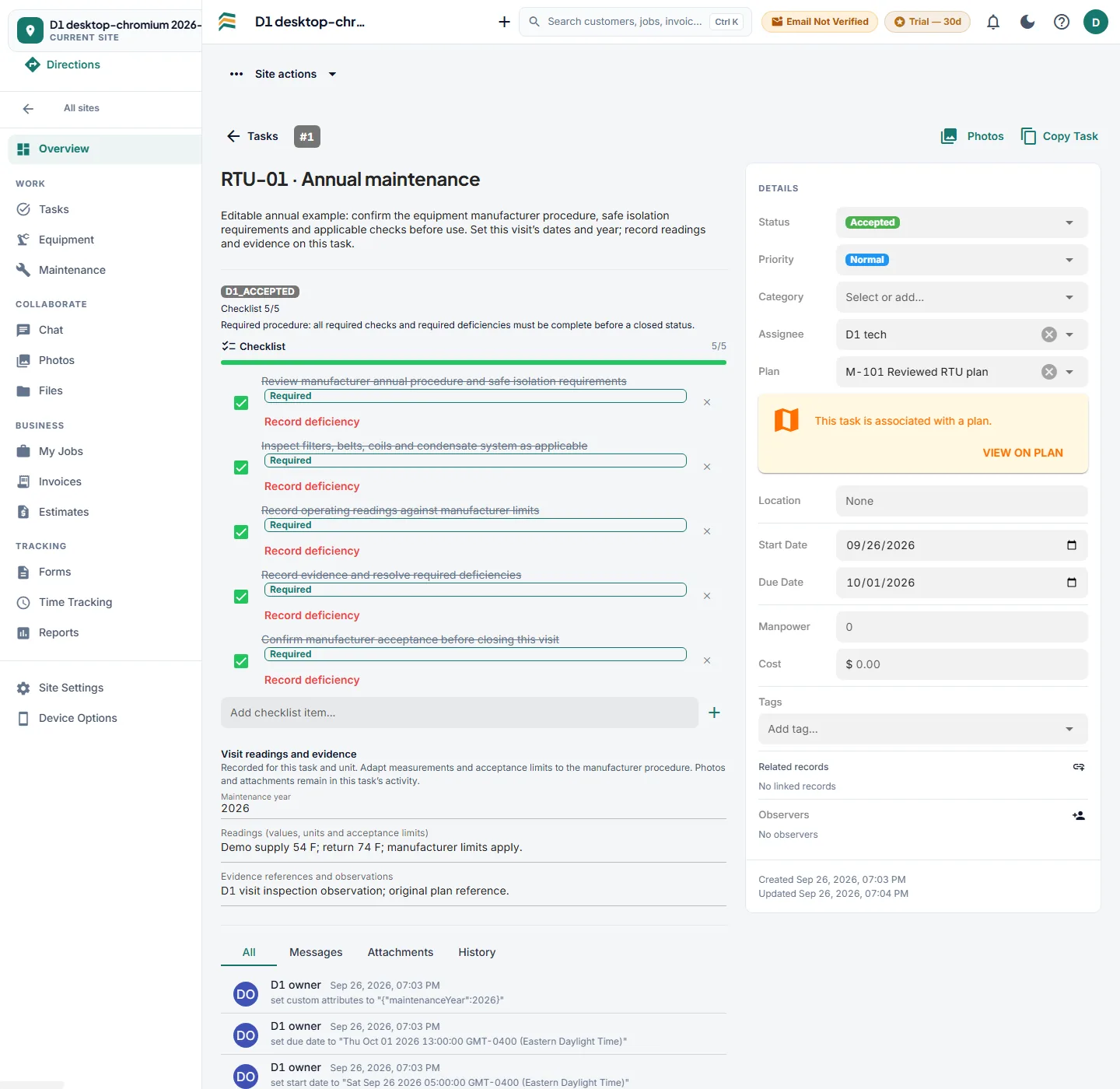
An illustrative rooftop-unit maintenance task with five completed required checks, visit readings and a linked plan. Adapt procedures to the equipment and trade.
Account access is by invitation. New organizations receive a 30-day Pro trial without a credit card; unless subscribed, the account moves to Free afterward.
Customers book against hours you actually have, with maintenance and breakdowns kept apart. Time off closes the slot. The board shows who has what, what is on hold waiting for parts, and what needs a second trip.
Booking windows that match real availability
Assign technicians and move work without a phone call
Needs-parts, on-hold and return visits stay visible instead of getting lost
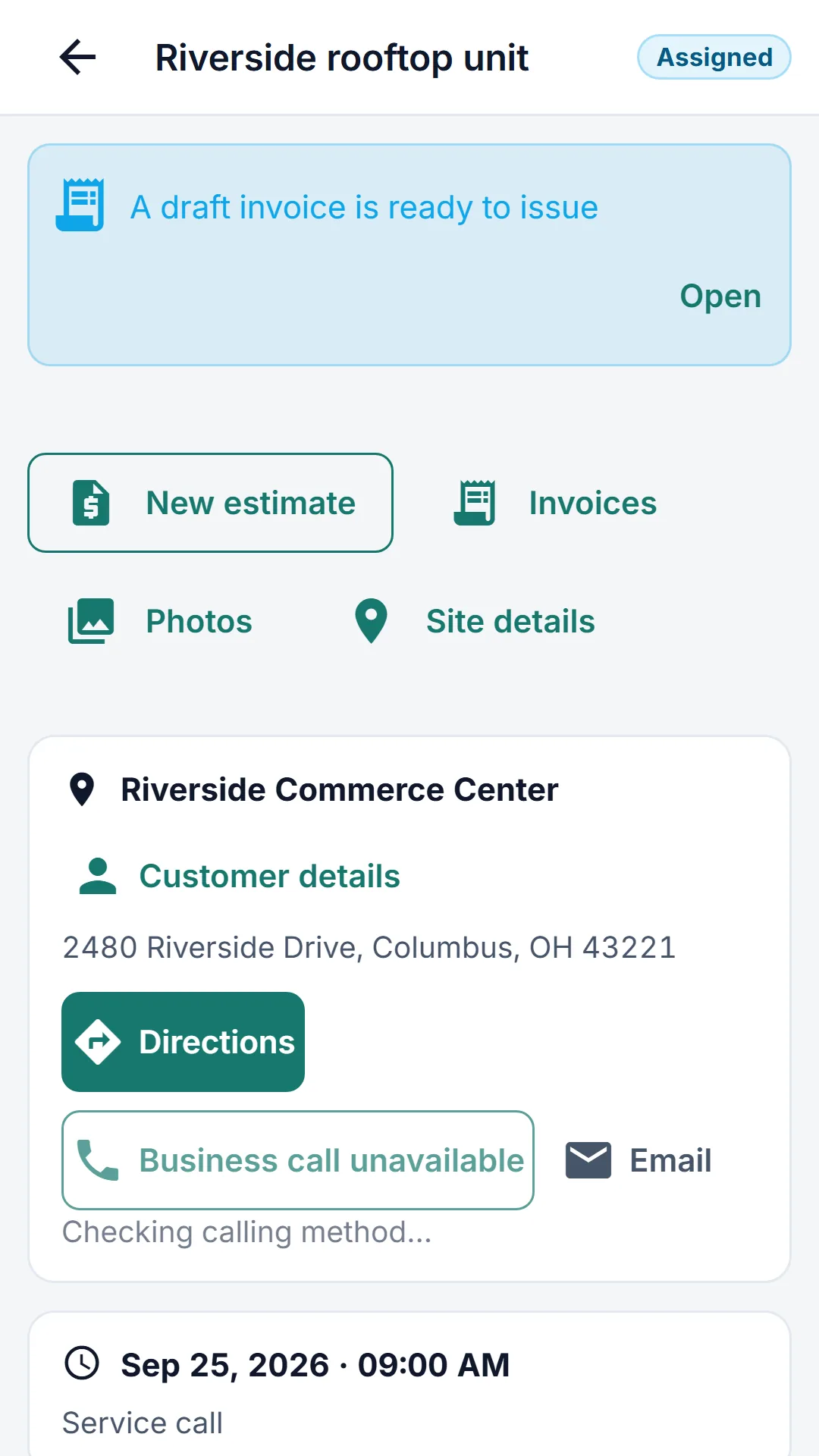
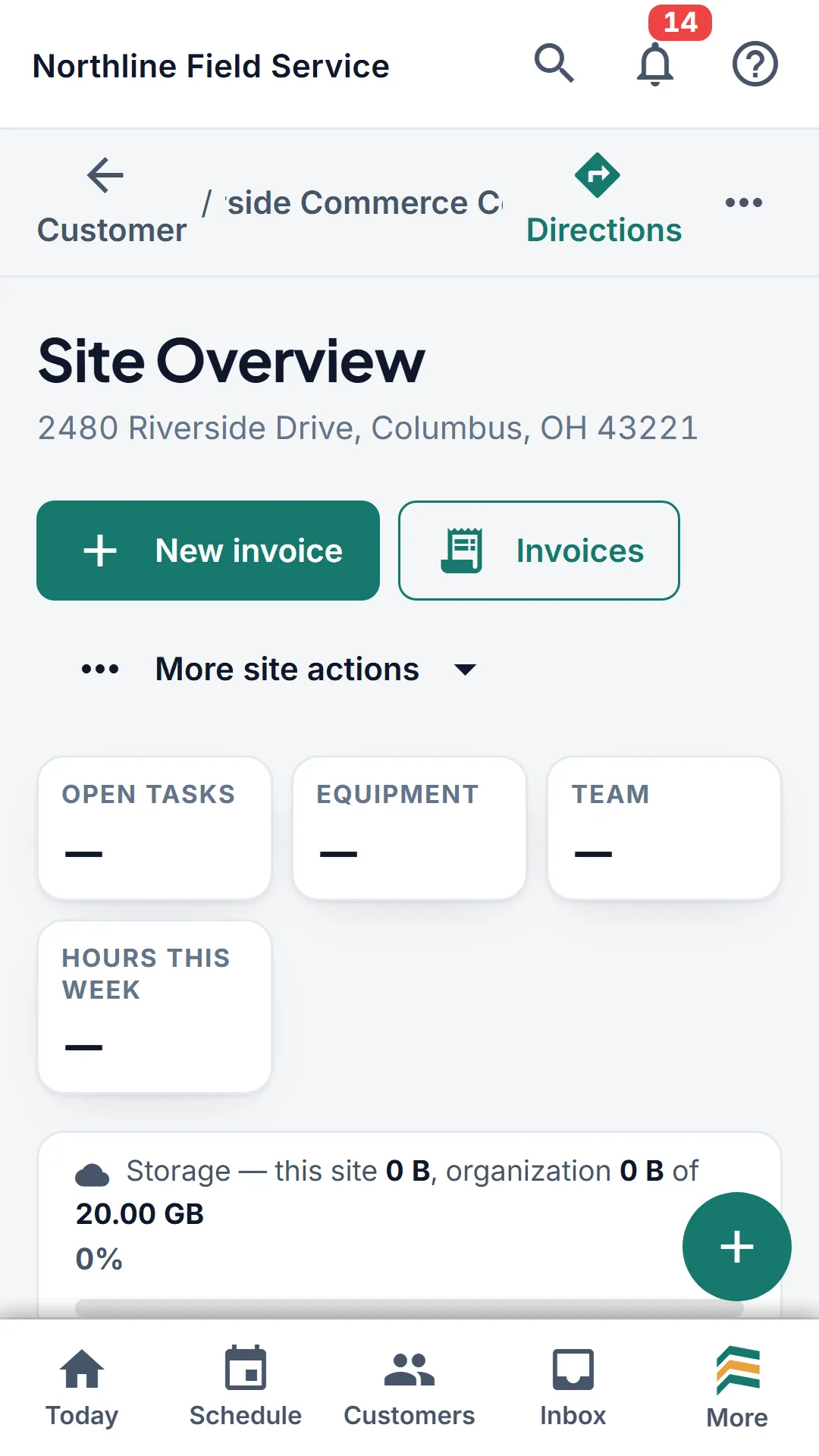
The assigned visit opens with the site and the scheduled time.
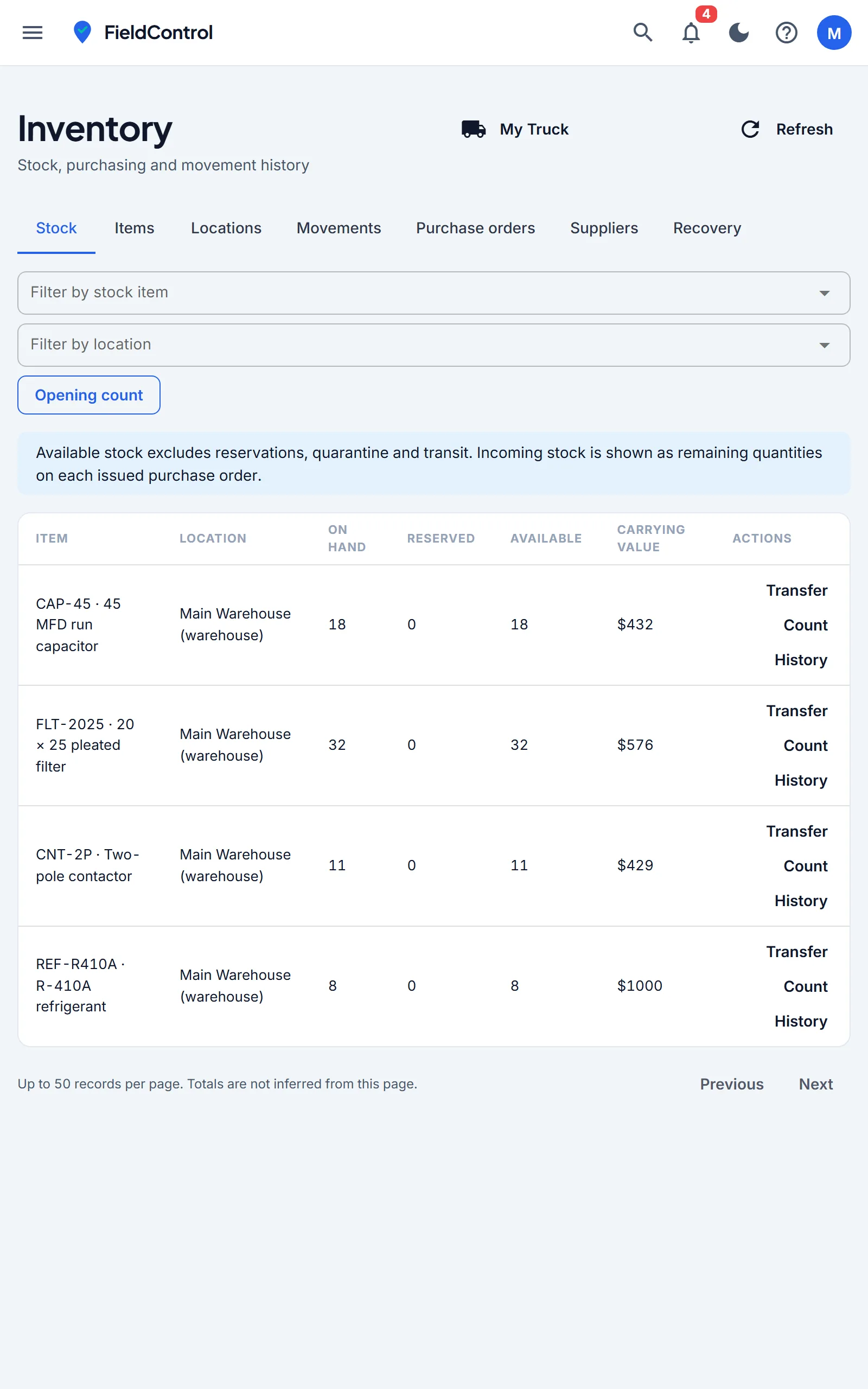
Review warehouse stock, then open My Truck for truck stock.
Your tech shows up knowing the work.
The job opens with the site, the equipment and what was done to it last time. Readings, findings, photos, time and parts go on as the work happens. The close-out checklist has to be finished before the job can be, which is how the paperwork stops going missing.
Equipment history and service notes from the last visit
Readings, photos and materials recorded against the job
Prepare supported records before leaving; task and checklist edits sync on reconnect
Once a messaging number and templates are configured, the office books the visit. The enabled updates go out on their own: the reminder the day before, the thank-you the moment they confirm, the tracking link when the van leaves, the invoice chase when a bill ages past its terms.
Sent on their own
Visit reminder, confirmation thank-you, on my way with live tracking, arrived on site, work completed, review request, invoice reminder, finance-charge notice, estimate follow-up
Sent when you say so
Visit booked, visit moved, visit cancelled
Twelve messages, and you can rewrite every word of them. The editor shows the customer's view as you type and counts the segments, so nobody finds out an emoji tripled the month's texting bill after the fact.
Northline Mechanical: Your visit for 'Rooftop unit - no cooling' at 18 Bayfield Rd is booked for Thu, Sep 25, 8:00-10:00 AM.
Mon 9:12 AM
Northline Mechanical: a reminder that 'Rooftop unit - no cooling' at 18 Bayfield Rd is booked for Thu, Sep 25, 8:00-10:00 AM. Please confirm or ask to reschedule: servicerunner.app/c/4QK2
Wed 4:00 PM
Confirmed — someone will be on site to let you up.
Wed 4:06 PM
Northline Mechanical: thank you for confirming 'Rooftop unit - no cooling' on Thu, Sep 25. We'll see you then.
Wed 4:06 PM
Northline Mechanical: Luis is on the way to 18 Bayfield Rd for 'Rooftop unit - no cooling'. ETA about 25-40 minutes. Track your technician: servicerunner.app/t/4QK2
Thu 7:41 AM
One booked visit. Four messages, one of them typed by a person.
Find out what the job made.
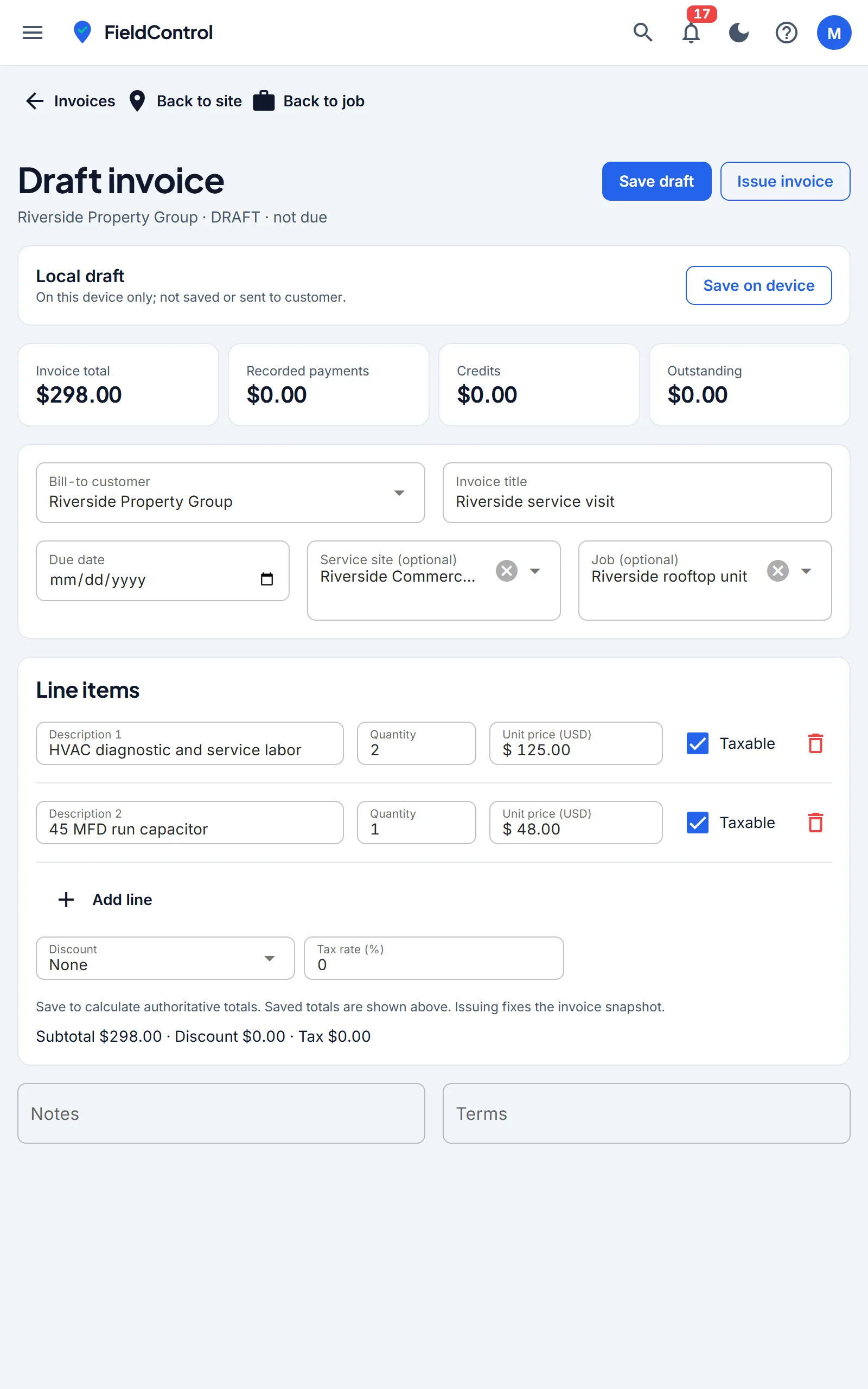
Labour, parts, truck stock and subcontractor costs land on the job as they happen, so the margin is a number rather than a guess. Estimates go out for signature, invoices go out the same day, and maintenance agreements bill themselves on the schedule the customer agreed to.
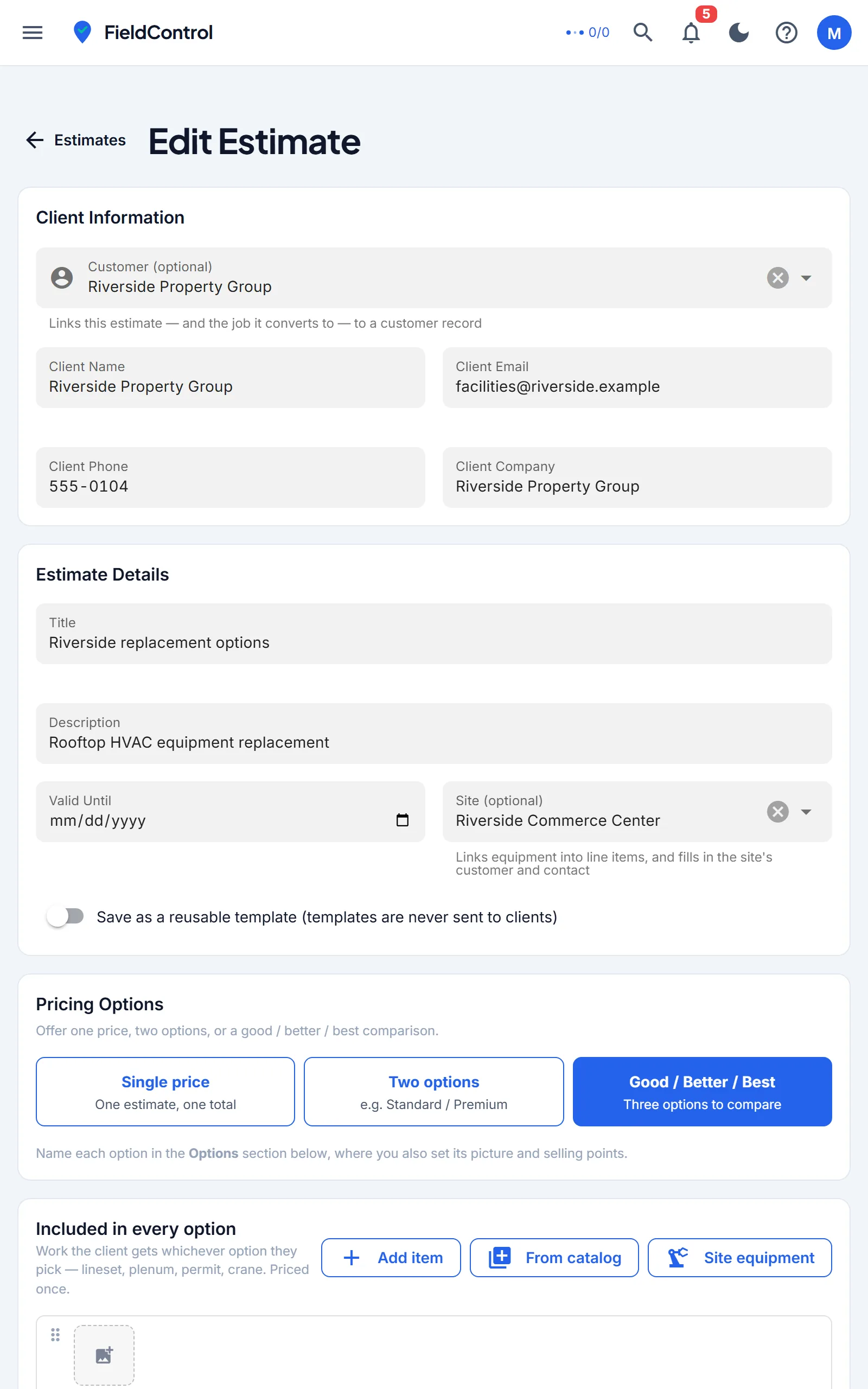
Estimates with options, accepted and signed online
Invoice from the finished job and take payment by card
Job margin after labour and materials, per job and per technician
Leads, walk-in sales and overdue invoices by age, in the same place
Keep maintenance, inspections and commissioning tied to the equipment, visit dates, checklists, readings and evidence. Adapt procedures to your equipment, site and trade, and start recurring visits with fresh checks.
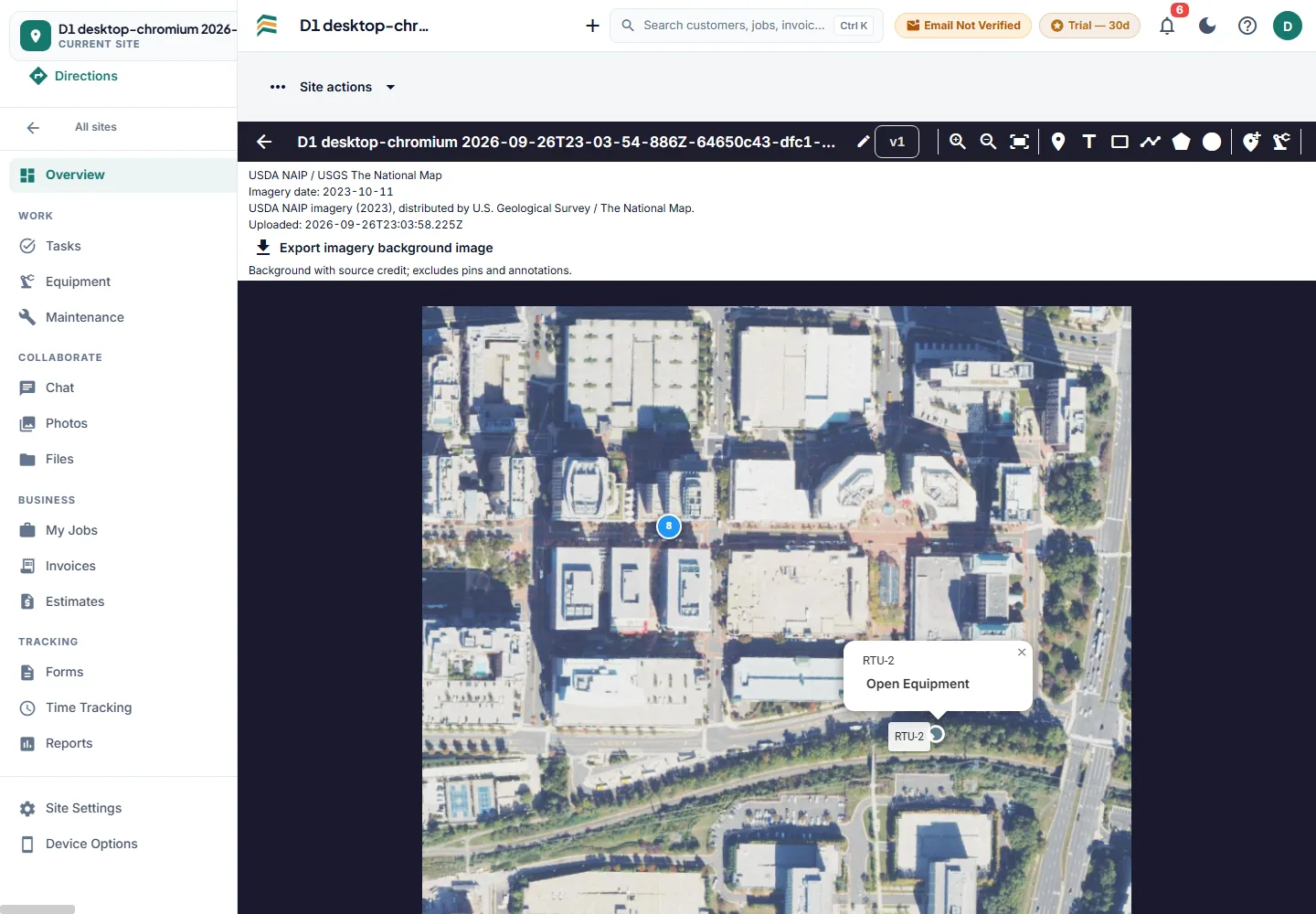
Use required checks to keep a task open until required work and deficiencies are resolved. Link work and equipment to a PDF, PNG or JPEG plan, including a credited aerial image.
Use Download files while connected to prepare current ready drawings for browser/PWA offline viewing. Task and checklist edits can sync on reconnect; annotations and photo uploads need a connection. DWF/DWFx is unavailable until a licensed, verified converter is configured.
The whole job in a pocket: the equipment, its service history, the forms, the photos, the parts and the time. Download current drawings while connected and keep supported task and checklist edits on the device until the signal returns.
iPhone, Android and any browser — same account, same job
Prepared browser/PWA records work offline; supported edits sync on reconnect
Photos, readings and signatures captured where the work happened
Clock in and out against the job, not a separate timesheet
phone_iphoneComing soon to the App Store androidComing soon to Google Play
Set up for your trade on day one
Equipment-led trades arrive with their own profiles, maintenance cadences and inspection forms modelled on the standard. Route-led trades get recurring agreements, a day's work in order, and billing that collects itself. Construction tools can be switched on for just the sites that need them.
This came out of a working mechanical contracting business, not a product workshop. The close-out checklist exists because jobs were getting billed without readings. The margin view exists because nobody could say which jobs were losing money. If a screen looks opinionated, that is why.
Try the whole workflow before you decide.
Every new organization starts on a 30-day Pro trial with no card. After that Pro is $19 per billable user per month with 20 GB per user pooled across the team, Unlimited is $29 with 50 GB, and Free keeps one user and two sites. Read-only users cost nothing on any plan.
Book half an hour and we will run one of your jobs end to end, or join the waitlist for an account invitation. The demo is faster if you want to ask questions.